

Download Dating search – dating app, find people, meet new people, fun dating, social app, Android dating tool, radar dating
Overview
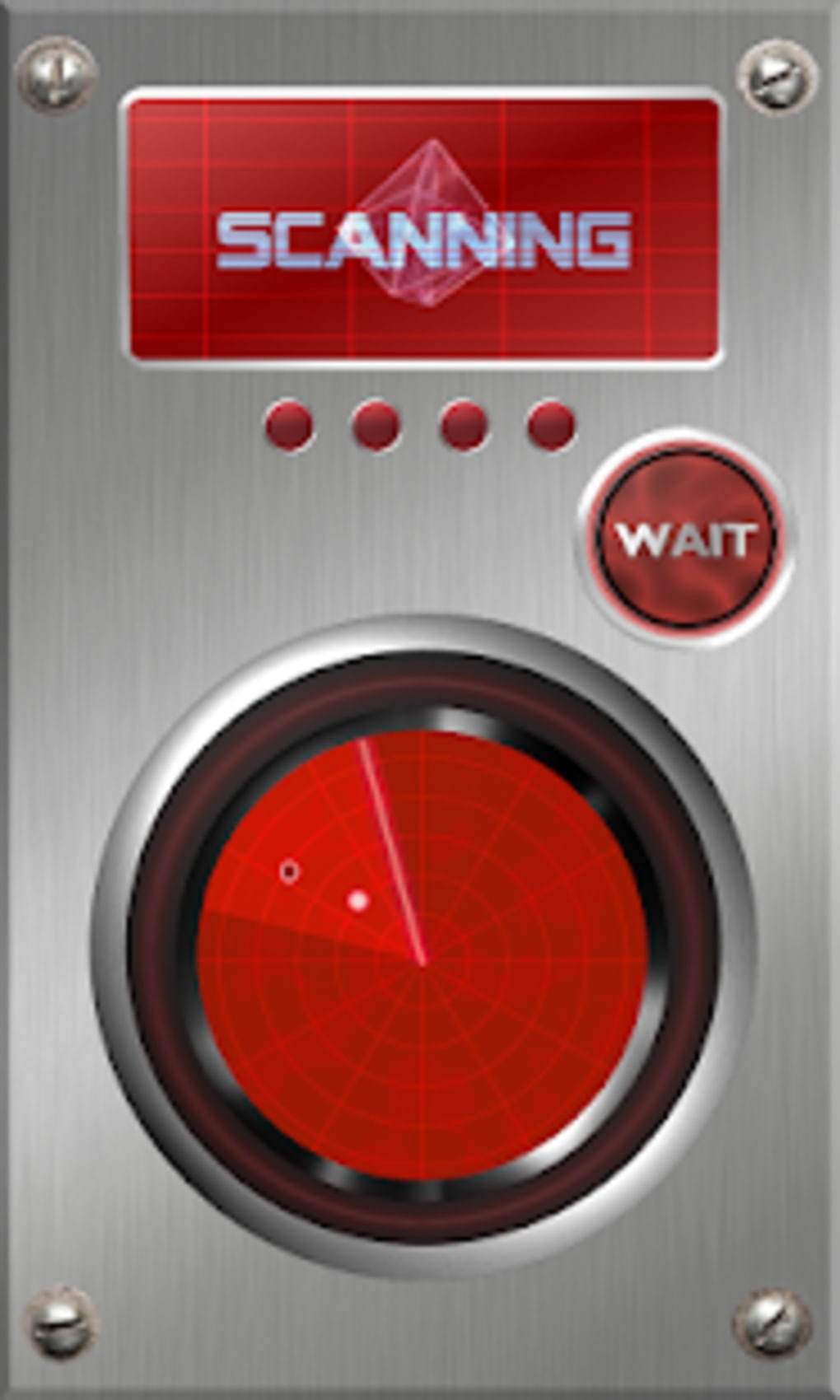
Dating search is a lightweight Android application designed to offer a playful approach to social interaction. Developed by Shankoy Dev, the app positions itself as a casual tool for users seeking lighthearted connections. Its primary function revolves around simulating a radar-based discovery system that identifies individuals within a user’s geographic vicinity. By initiating a scan, users can receive a visual indication of how many people nearby may be interested in them, presented in a simplified, gamified format.
The app targets casual users who enjoy experimenting with social dynamics in a low-pressure environment. It is not intended for serious romantic pursuits, but rather for entertainment and curiosity-driven exploration. Ideal for individuals who appreciate novelty in digital social tools, Dating search provides a minimalistic interface with a focus on immediate feedback. Real-world usage scenarios include using the app during leisure time, social gatherings, or while traveling, where users want to quickly gauge local interest without formal profiles or lengthy interactions.
As a free application, it removes financial barriers to entry, making it accessible to a broad audience. The developer has not provided detailed information about the underlying technology or data handling practices. Users should be aware that the app operates on a simplified premise, and the results are not based on verified user profiles or behavioral analytics.
Key Features & Capabilities
- Radar-Based Scanning – The app uses GPS to detect nearby users and presents a radar-like interface that visualizes potential interest in the user. This feature is designed to simulate real-time social proximity, offering a fun, interactive experience.
- Gender Selection – Before initiating a scan, users must select their gender. This step determines the pool of individuals considered during the radar search, though the app does not specify how this influences results.
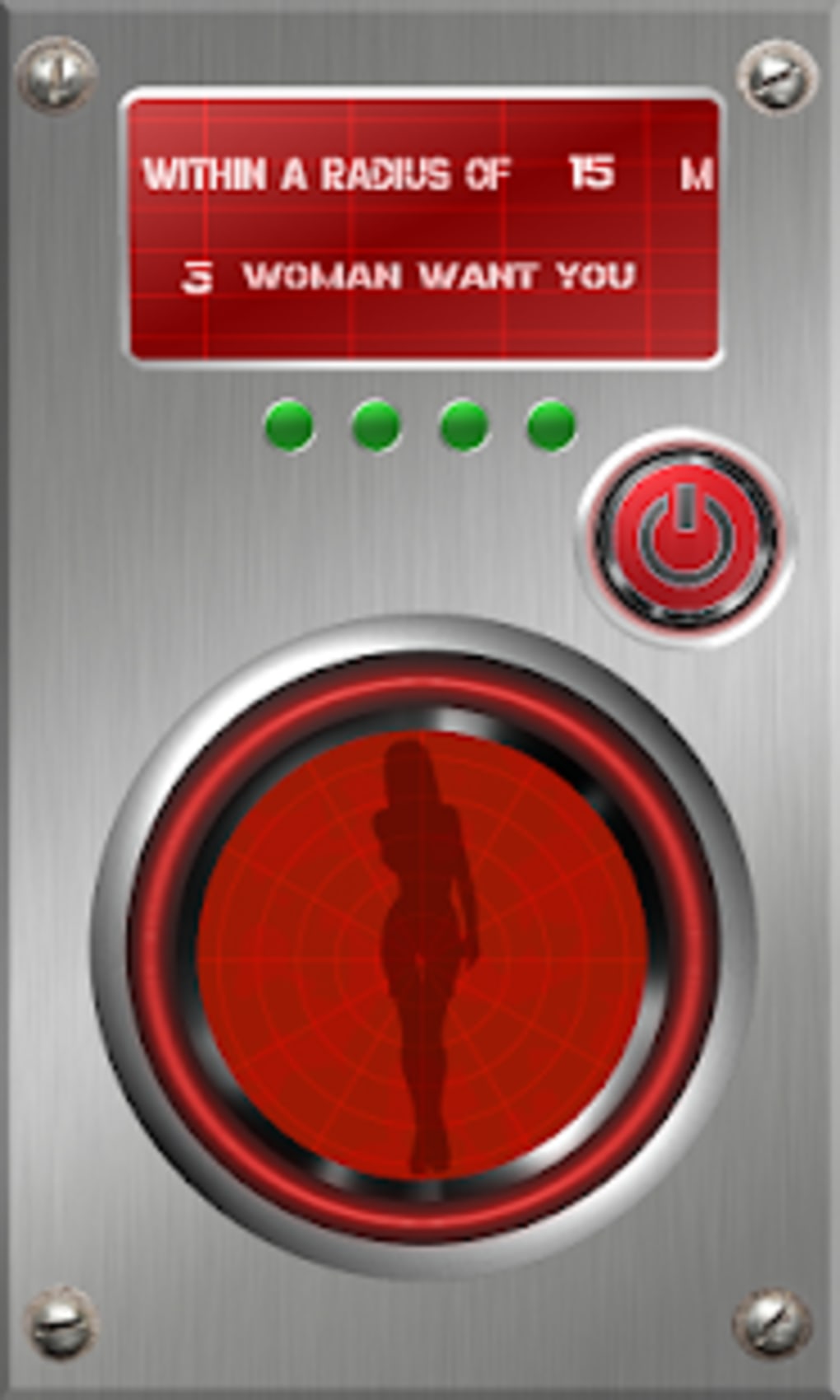
- Instant Feedback – Once the scan is activated, the app displays the number of people interested in the user. This immediate result is intended to provide a sense of social validation or curiosity.
- Simple Interface – The app features a minimal design with a prominent activation button. Navigation is limited to the core function, reducing complexity and enabling quick access to the primary feature.
- Location-Based Interaction – The app relies on GPS to determine the user’s location and identify nearby participants. The accuracy of this function depends on device capabilities and signal strength.
These features are best used in casual settings where users are open to playful experimentation. For example, someone visiting a new city might use the app to see if there’s local interest, or a user at a public event might test the app for entertainment. However, the app does not offer messaging, profile creation, or matching systems, so interactions remain hypothetical and non-committal.
User Interface, Workflow & Performance
Dating search presents a clean, straightforward interface focused on a single core action: initiating a radar scan. The main screen features a large central button labeled to activate the GPS and start the search. Navigation is minimal, with no additional menus or settings visible, suggesting a streamlined user journey. This simplicity enhances accessibility, especially for users unfamiliar with dating apps.
The workflow is direct: select gender → enable GPS → press the button → view results. The app does not include tutorial prompts or onboarding steps, relying on intuitive design. Performance observations are based on general software behavior patterns. The app is lightweight at 2.4 MB, suggesting low resource consumption, though exact CPU or RAM usage was not specified.
Stability is not detailed by the developer. Users may experience delays in GPS activation or scan results depending on device performance and network conditions. The app does not indicate whether scans are processed locally or through a server, nor does it confirm data retention policies. As with any location-based tool, consistent performance depends on accurate GPS signals and background permissions.
Compatibility & System Requirements
Dating search is designed for Android devices. The app is compatible with Android operating systems, though the specific version range is not listed. The installation size is 2.4 MB, indicating a lightweight footprint suitable for devices with limited storage. This makes it accessible on older or entry-level Android smartphones.
Exact system requirements were not listed. The developer did not provide information on minimum RAM, processor speed, or API level. Compatibility with specific Android versions (e.g., Android 6.0 or higher) remains unconfirmed. Users should ensure their device supports GPS functionality and background app permissions to use the core features.
Platform compatibility information is limited. While the app is available on Android, there is no indication of support for iOS, Windows, or Mac. Users on other platforms cannot access the software. The developer has not disclosed whether future updates will expand compatibility.
Pros and Cons
Pros
- Free to download and use, removing cost barriers.
- Lightweight at just 2.4 MB, ideal for low-storage devices.
- Simple, intuitive interface with minimal navigation.
- Designed for fun and casual social experimentation.
- Uses GPS to provide real-time, location-based feedback.
Cons
- Results are not verified or based on real profiles.
- Limited functionality—no messaging or profile creation.
- Exact system requirements and compatibility details not provided.
- No information on data privacy, storage, or security practices.
- Not suitable for serious dating or meaningful connections.
FAQ Section
Is Dating search available for iOS devices?
Currently, the app is only available for Android. There is no information about future support for iOS or other platforms.
Is the app safe to use?
Dating search does not collect personal data beyond location during scans. However, the developer did not specify data handling practices, so users should exercise caution when enabling GPS permissions.
Does the app require an internet connection?
Yes, the app uses GPS and likely requires an active internet connection to process location data and generate scan results.
Can I use Dating search offline?
No, the app cannot function offline. It relies on real-time location processing, which requires an active network connection.
Is the app free to download?
Yes, Dating search is completely free to download and use. There are no in-app purchases or subscription tiers.
Final Thoughts + CTA
Dating search offers a novel, low-effort way to explore social dynamics through a playful, radar-inspired interface. While it lacks the depth of traditional dating platforms, its simplicity and free access make it a unique tool for casual users seeking entertainment. The app excels in delivering instant gratification through location-based feedback, though users should not interpret results as meaningful indicators of real-world interest.
It is best suited for individuals who enjoy experimenting with digital social tools in a non-serious context. The lightweight design and minimal interface enhance usability, particularly on older Android devices. However, the absence of detailed technical and privacy information limits transparency.
For those looking to try something different in the social app space—without commitment or complexity—Dating search delivers a fun, quick experience. Download Dating search now.





.png)

